Quick answer: Owners of ASRock RX 7900 XT Phantom Gaming, RX 7900 XTX Phantom Gaming, and RX 7900 XTX Taichi cards report that ASRVBFlash 1.0.5 (Oct 29 security-related firmware) left systems unable to POST with the GPU installed. VideoCardz says some recovered with EEPROM programmers and advises avoiding that firmware until ASRock clarifies.
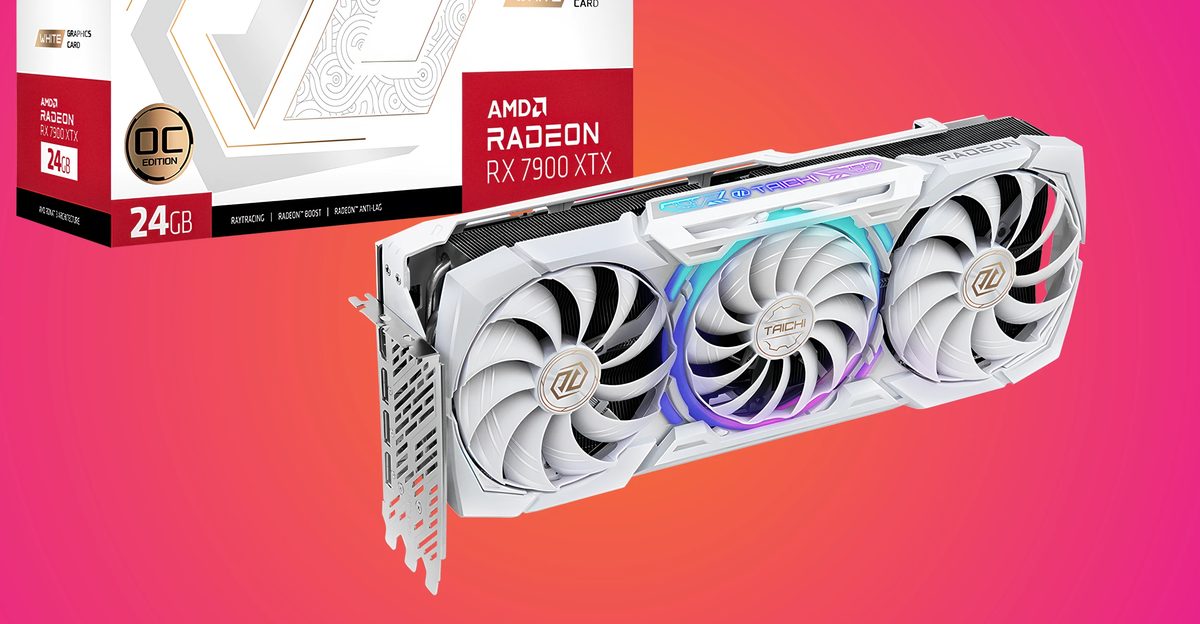
Several ASRock Radeon RX 7900 XT and RX 7900 XTX owners report that an official security-related VBIOS update left their PCs unable to POST with the card installed. VideoCardz says a reader used ASRVBFlash 1.0.5 from ASRock's October 29 firmware packages; after the tool restarted Windows, the system would no longer boot with the GPU present, but booted normally once the card was removed.
Reported models include the RX 7900 XT Phantom Gaming, RX 7900 XTX Phantom Gaming, and RX 7900 XTX Taichi (including White). Posts describe the same flash-then-no-POST pattern across different ASRock and MSI motherboards. Guru3D ties the wider RX 7000 firmware wave to partner security identifier AMD-SN-6023 and notes the public scale and root cause are still unclear.
VideoCardz reports that at least two owners restored RX 7900 XTX Phantom Gaming cards with external EEPROM programmers, and that ASRock appears to have pulled some of the October 29 HTTP downloads (404s) even while listings remain. One Japan user reportedly got warranty confirmation from ASRock support; there is still no company-wide recovery guide in the coverage reviewed.
Until ASRock publishes a clear fix and corrected package, owners of the named SKUs should avoid installing that October 29 ASRVBFlash 1.0.5 firmware on a working card. AMD still recommends applying partner firmware when a vendor ships a security update, so check your exact model page before flashing anything else.