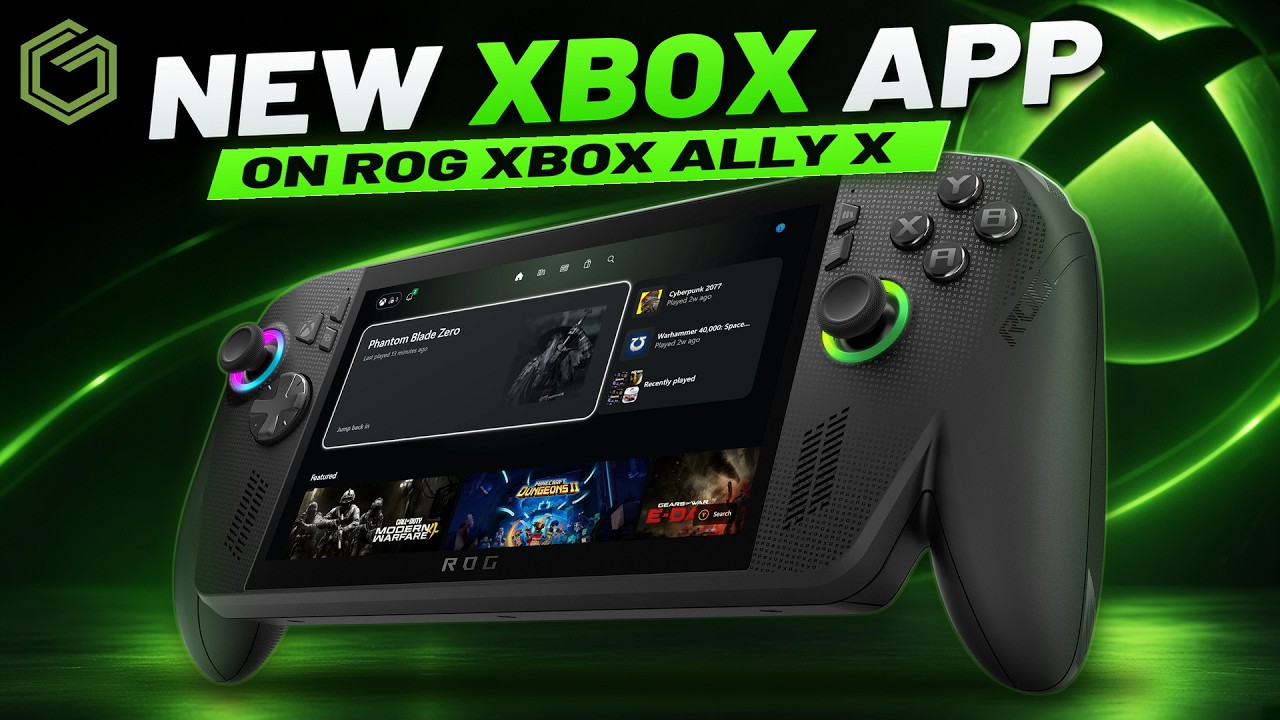
 ▶Watch on YouTube
The new Xbox PC app preview has been a nice little update on my ROG Xbox Ally X. After playing around with it for a couple of days, it's easier to navigate, pages load more quickly and the controller works much better in places that used to be cumbersome. This is a quick hands-on and first impressions of the app, not a full review of the handheld.
You need to be an Xbox Insider to get this update so far, and not everybody has it yet. This is still a preview, not a full release. It's the Xbox app itself changing, not a firmware update or a game performance update, and you can try it on other Windows devices too.
- Quicker and snappier: app startup, navigation and pages generally feel better than the old version.
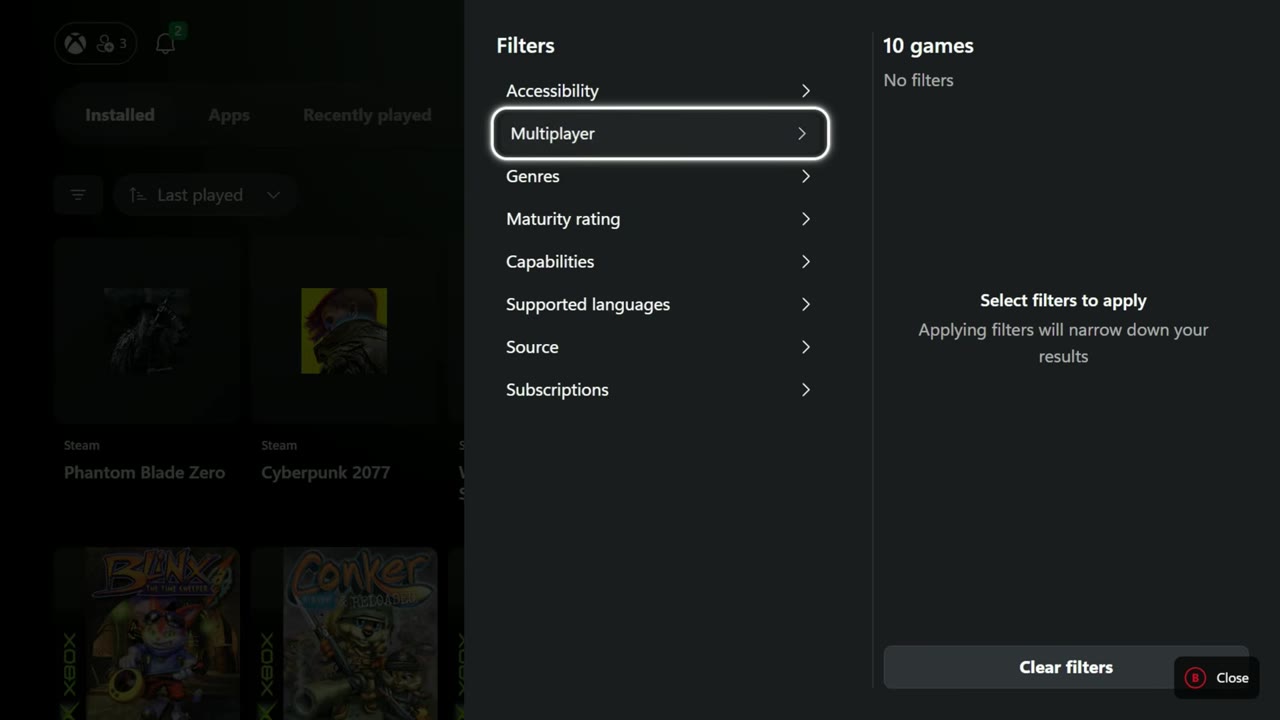
- Better controller use: Library filters are much easier to handle without reaching for the touchscreen.
- Reorganized settings: cloud gaming options now sit under Play & social. The update reset my cloud overlay settings.
- Still Windows: this makes getting around more console-like, but Windows updates and drivers are still part of it.
Updating and getting into the new app
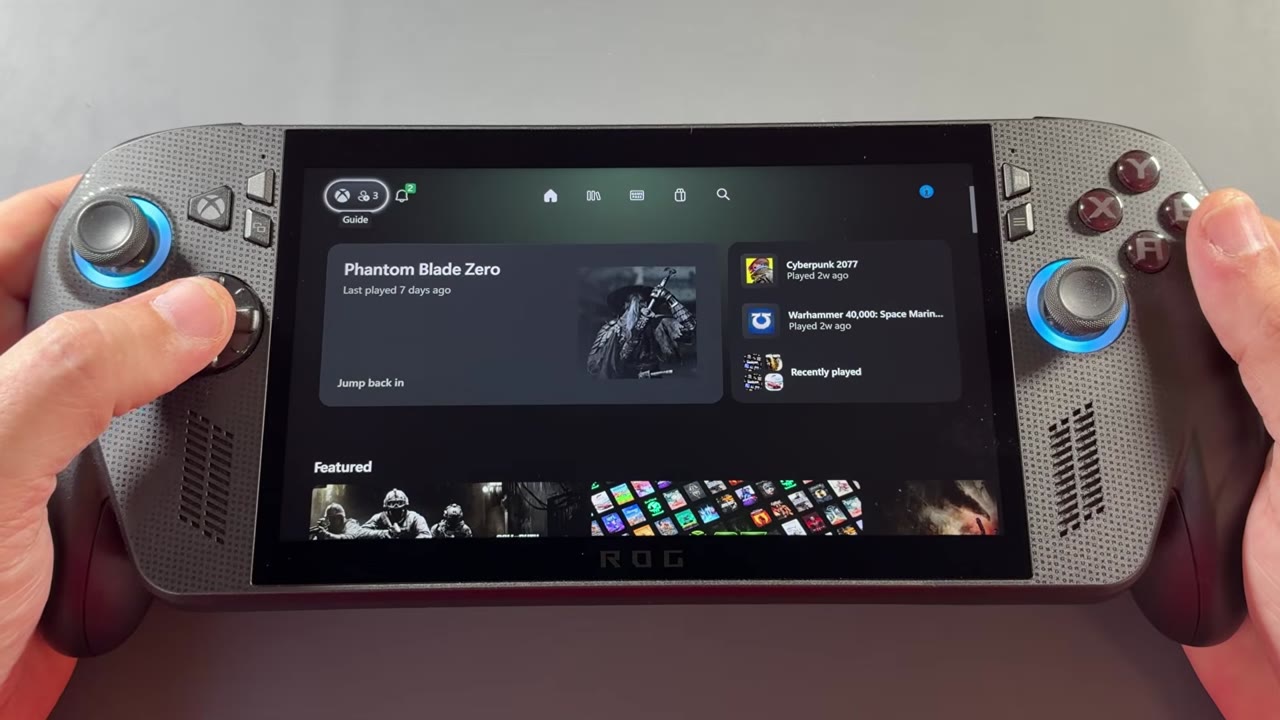
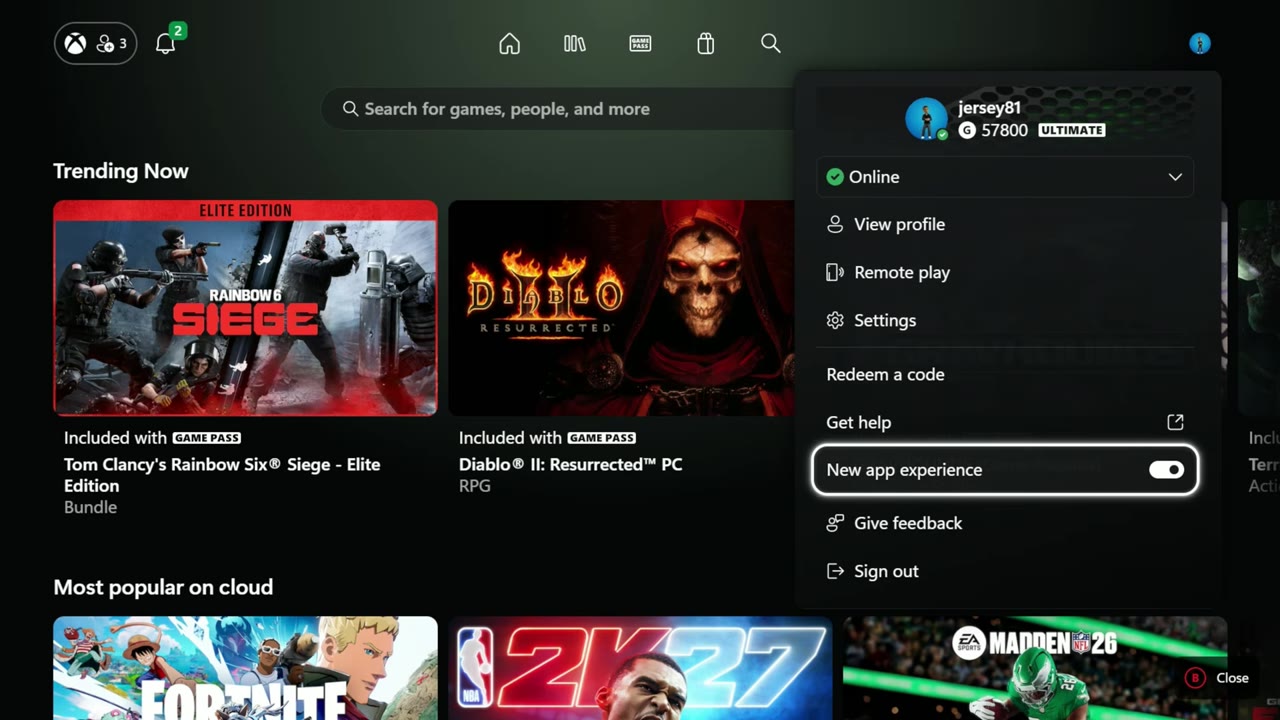
The update popped up for me a little later than it did for some other people. Once I updated, a prompt said my Xbox PC experience had just got better. Accepting that switched me to the new app experience, which you can turn off again from the profile menu.
I restarted to show the app loading from startup. It definitely seems quicker getting to the home screen, and navigation is a lot snappier. Pages generally load in faster too, even where I'm farther away from my Wi-Fi. Those are my impressions from using it, not timed startup measurements.
Library filters that work better with a controller
Home, Library, Game Pass, Store and Search are all easy to get to. It's similar to the console idea, though not exactly the same. The Library is where I really noticed the change: filtering installed games with the controller is much easier. In the old app, the controls didn't always go where I wanted, so I'd often end up using the touchscreen.
The sorting options, such as last played, install size and alphabetical, haven't changed much, but switching them feels quicker. Before, the artwork would take a while to repopulate. Here it's been super snappy.
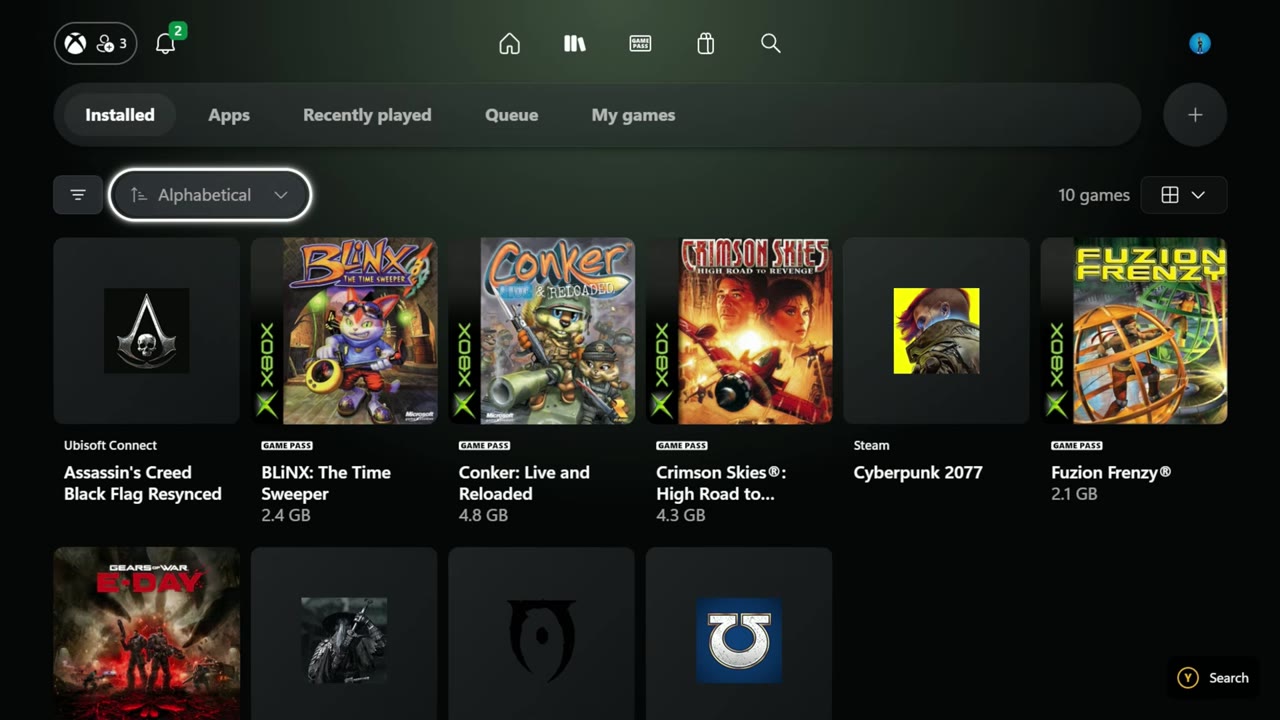
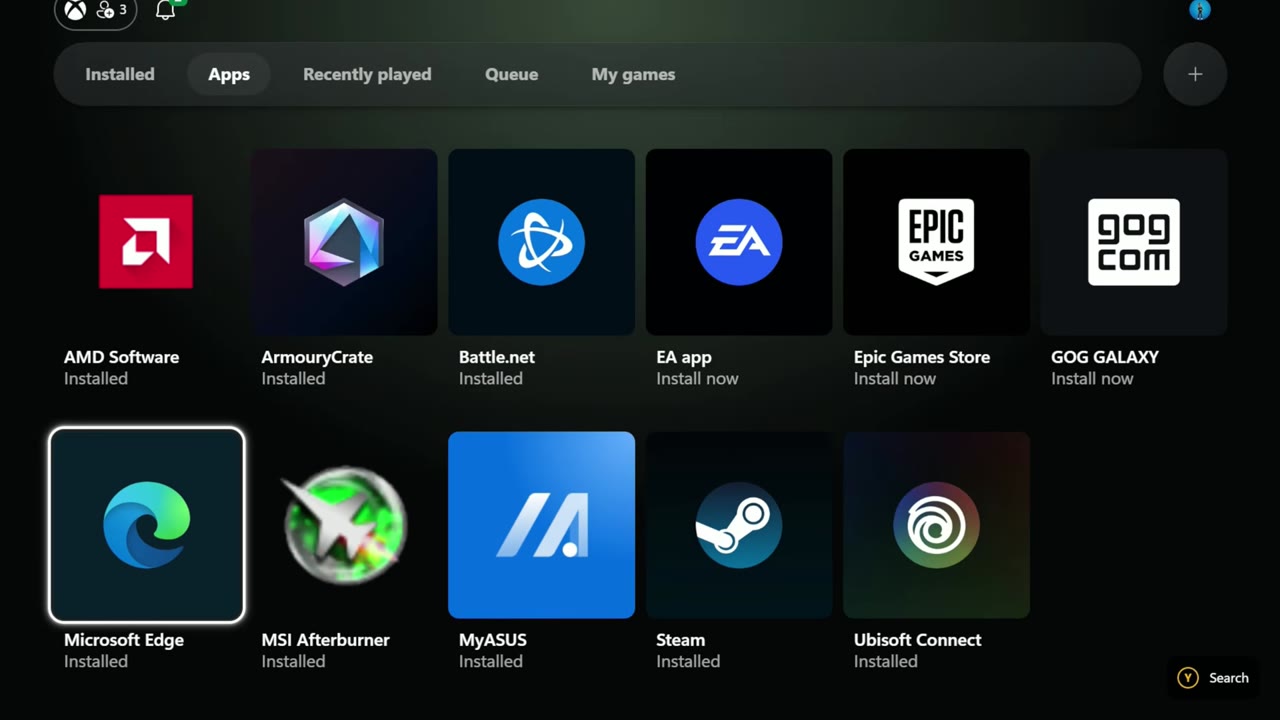
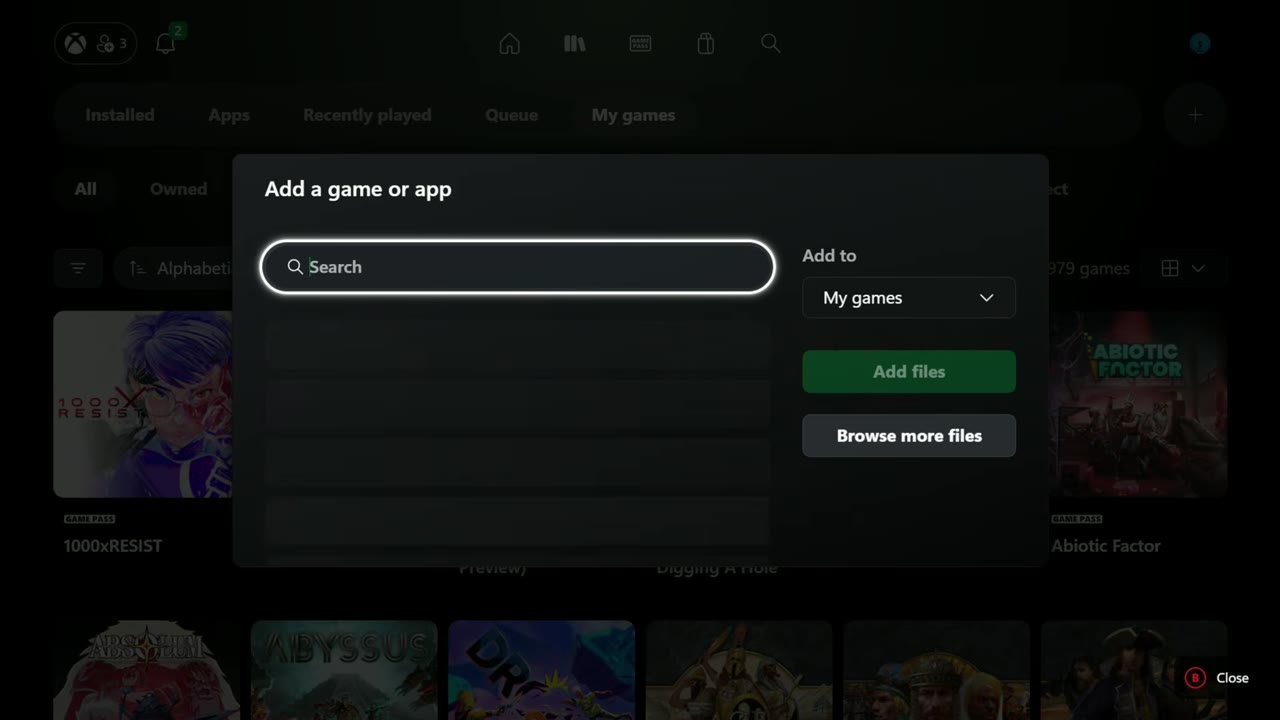
Apps open quickly too, and adding one works much as before. Recently played, Queue and My games are easy to get to. My games has categories for owned games, Game Pass and different stores and services, which feels familiar if you've used an Xbox console. The plus button still lets you add a game or app that isn't already there.
Game Pass, Store and Search
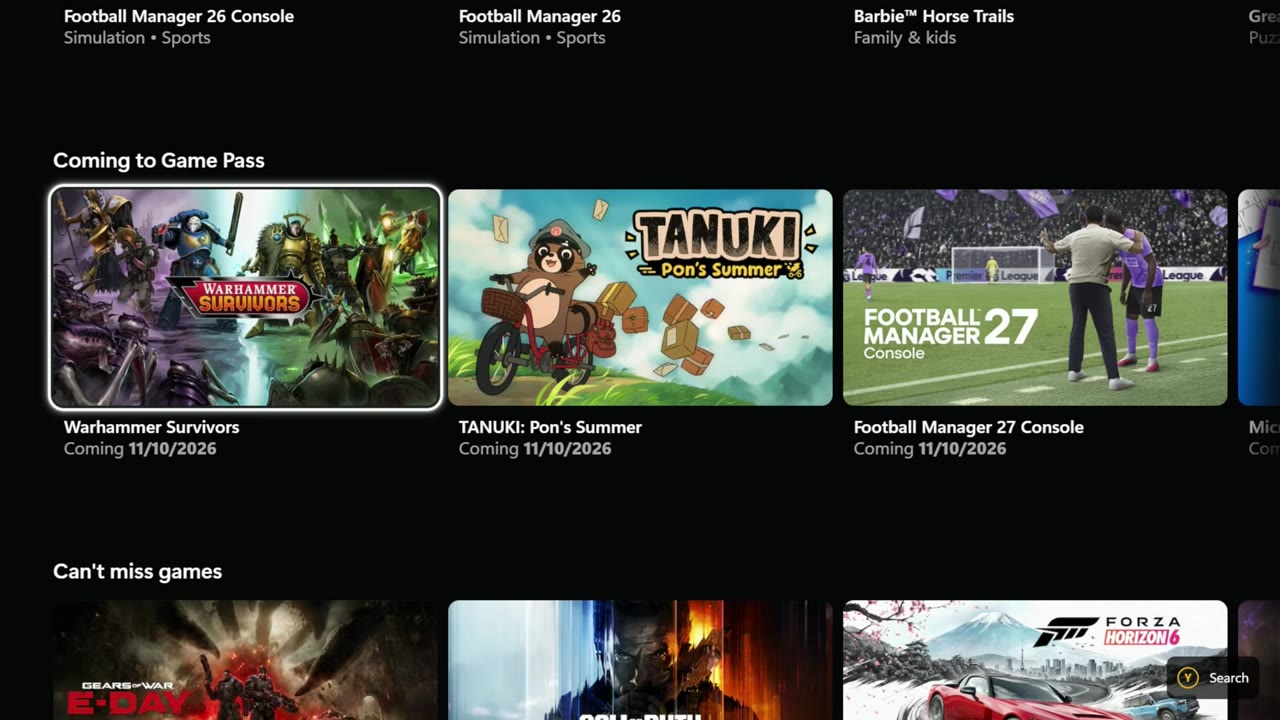
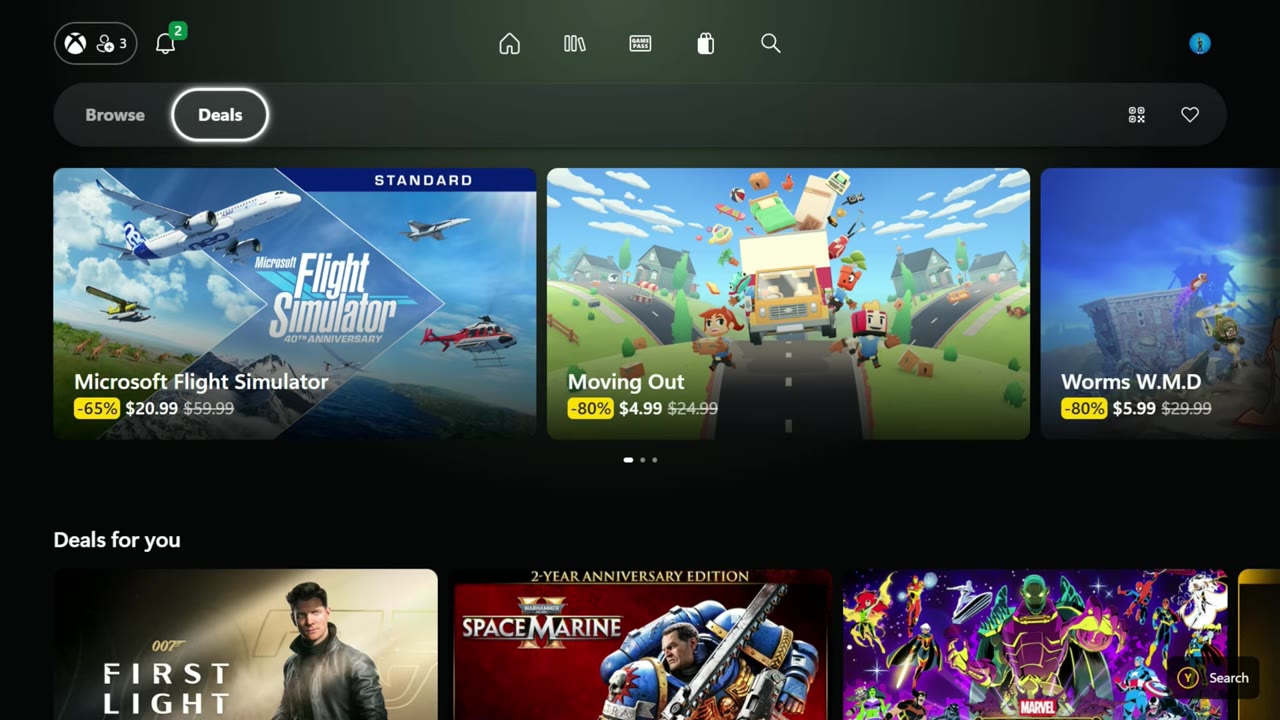
It's the same theme in Game Pass and the Store: easier to move around, less sluggish, and everything populates quickly for me. Game Pass has Featured, Games and Benefits. In the Store I could browse games and deals without needing the touchscreen, keyboard or mouse, and without changing to desktop mode. I kept the handheld in gamepad mode throughout.
Search has changed too and feels snappier, although I didn't spend much time in it. Launching a game has a new animation, with a short chance to cancel the launch, about five seconds or so. That's the main difference I noticed in the launch itself.
The guide hasn't changed
Pressing the Xbox button still brings up the same Game Bar setup. Friends, display options and widgets work fine, but the guide feels a little dated next to the new app, which looks more like an Xbox console. I think Game Bar updates might be on the way to bring it more in line, but that's just what I think, not an announced change.
Settings and cloud gaming
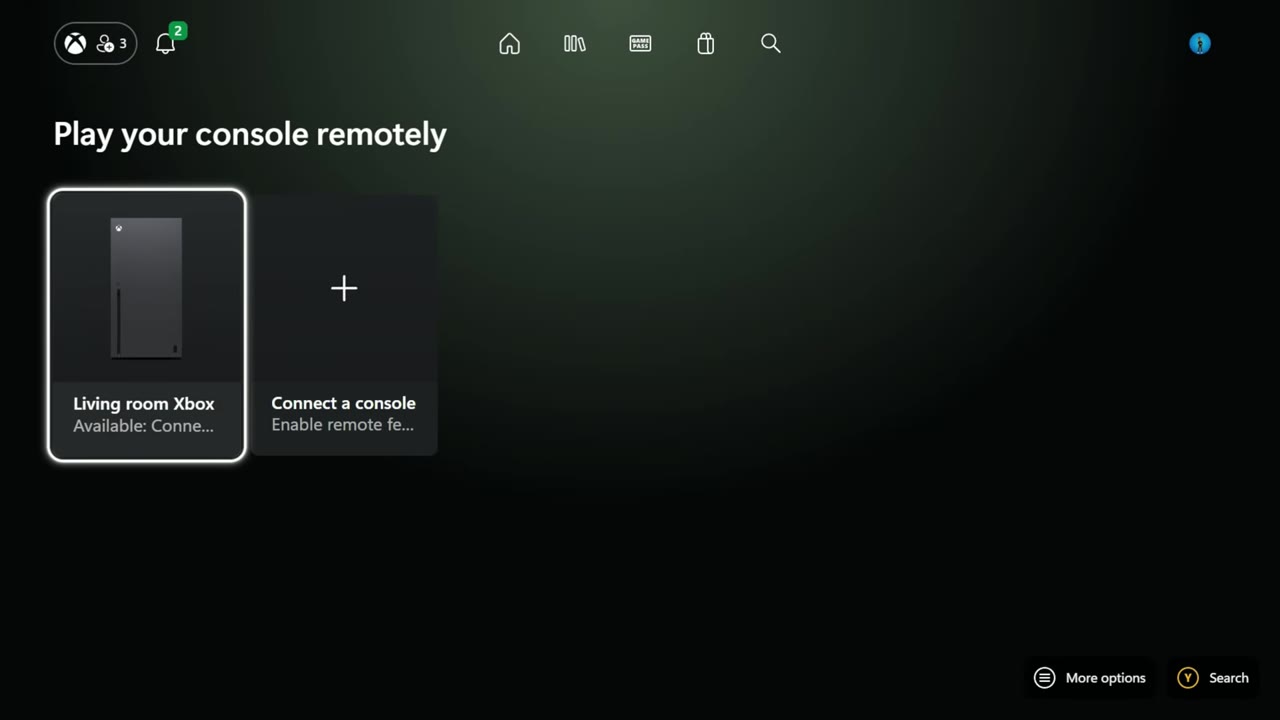
The profile menu is worth checking. It has the toggle for the new app experience, plus Remote play and Settings. My living room console showed up under Remote play, and there's an option to add another console.
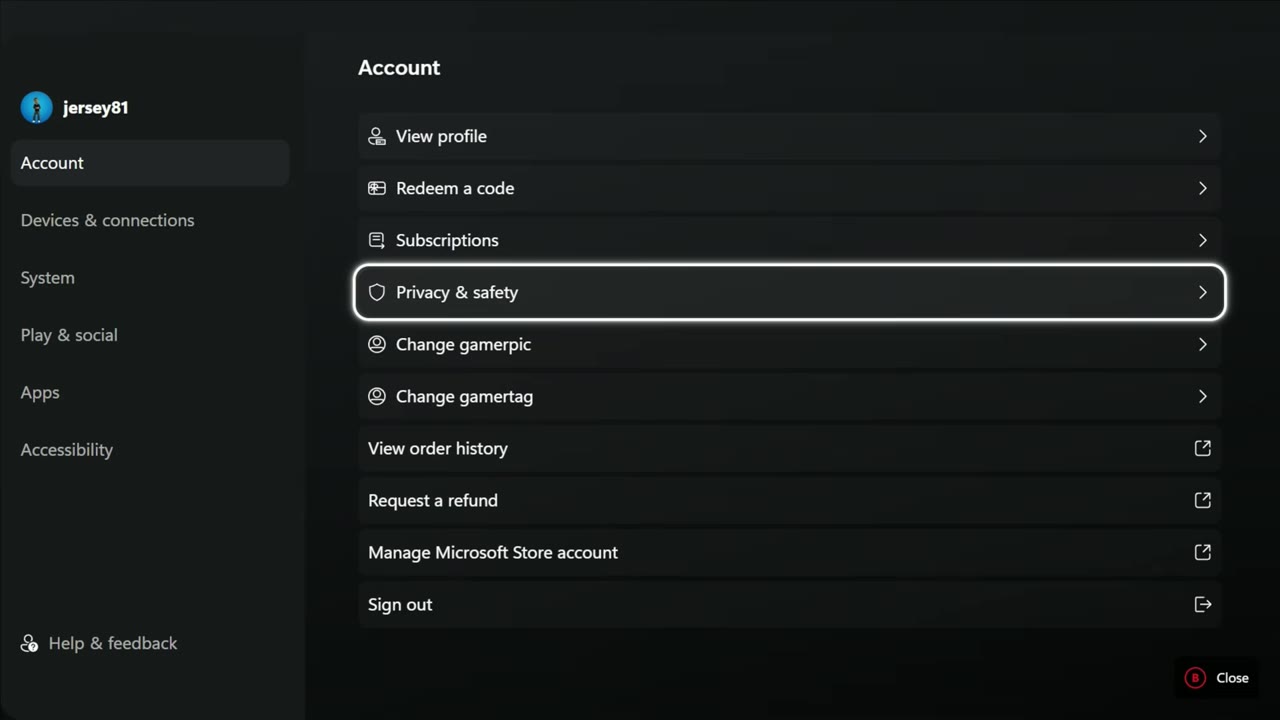
Settings have been reorganized. Account has things like order history and refunds; Devices & connections covers options such as rumble and the cursor; System includes display, notifications, startup, install storage and audio.
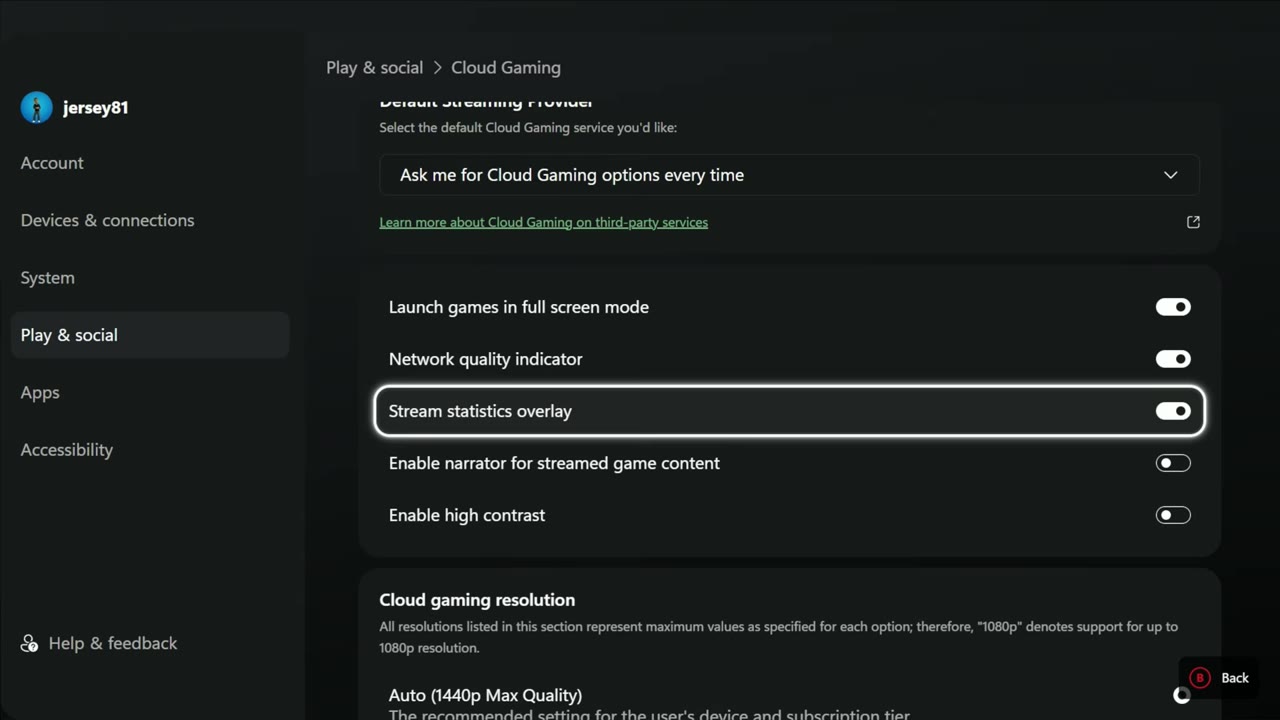
Play & social was the one I needed to visit, because the update reset my cloud gaming settings for the overlay. That's where you can adjust cloud gaming and remote play options, show stream statistics and change resolution caps. If you had those set up before, it's worth checking them again after the update.
First impressions
After a couple of days, I definitely prefer this to what we had before. It's another step toward making Windows easier to navigate with a controller and more console-like when getting in and out of games. You're still dealing with Windows underneath, though: updates, drivers and the extra setup work haven't gone away.
I like Windows and its lack of restrictions, and I love SteamOS too. Seeing the Xbox app keep improving for handhelds is welcome. This preview has made getting around on the Ally X a nicer experience for me.
Want more handheld tests?
New Steam Deck, ROG Ally, Legion Go and Steam Machine performance videos every week.